Payments that work
with your practice management system

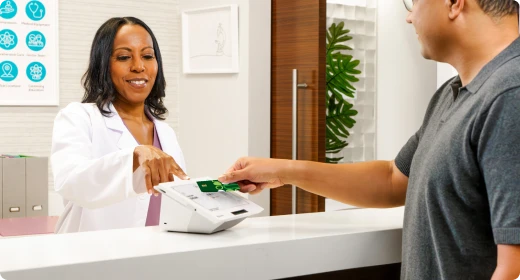
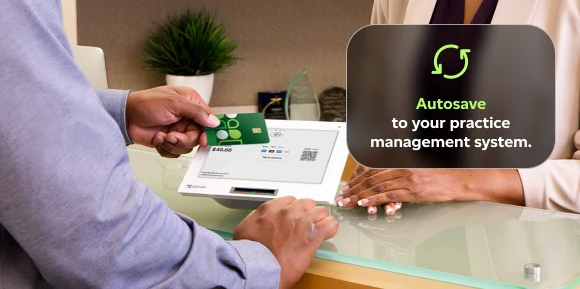
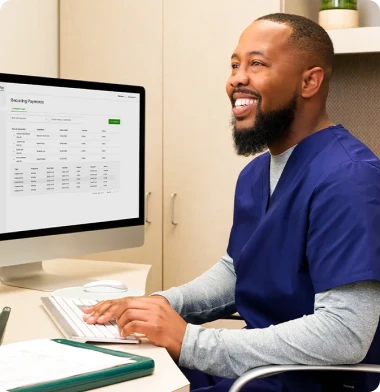
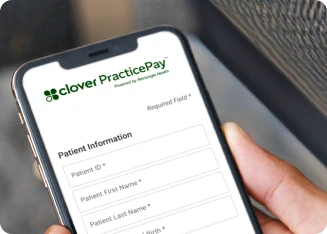
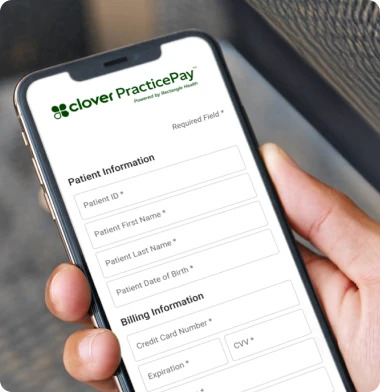
Accept patient payments and automatically post them to your practice management system — no double entry, no manual reconciliation.

Find your Clover setup

Do you manually post payments
into your practice system?

Step 1 of 4

Clover works across
healthcare specialties

Do you manually post payments into your practice system?

Step back Back
| Step 1 of 4

What type of practice do you run?

Step back Back
| Step 2 of 4

Where would Clover improve your payment process most?

Step back Back
| Step 3 of 4

Get your custom Clover recommendation!

Get your custom Clover recommendation

Tell us where to send your personalized setup.

New customers get up to $450 credit promotion
for Flex*
Full terms below
New customers get up to $450 credit promotion
for Mini*
Full terms below
New customers get up to $450 credit promotion for Clover Flex Pocket*. Full terms below
New customers get up to $450 credit promotion
for Staion Duo*
Full terms below
Please enter your business name
Please enter your full name
Please enter a valid phone
Please enter your zip code
Please enter a valid email
By clicking "Get my recommendation" above, I consent to receive from Clover and party on its behalf at any time: e-mails, telemarketing calls using an autodialer, artificial voices or pre-recordings, and SMS text messages, which could result in wireless charges, at the number provided above.
You can opt out by texting STOP. For help, reply HELP for assistance. Messaging frequency varies. Message and data rates may apply. I understand that consent is not a condition of purchase. I also agree to the Terms & Conditions and Privacy Policy, which are also linked at the bottom of this page.
Step back Back
| Step 4 of 4

Why Clover is the all-in-one platform
for Healthcare

Clover vs Others
Clover logo
Others
Text-to-pay & payment links
PMS Connections
Almost All
Very limited
HIPAA Compliance
Card-on-file
Automated reconciliation

How Clover PracticePay fits into your daily workflow

Text-to-Pay & Payment Links

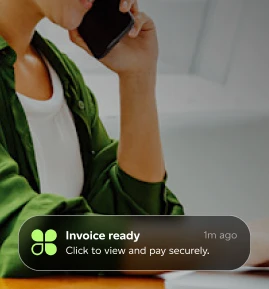
Request and collect patient payments remotely or at the front desk.

Automated Payment Posting

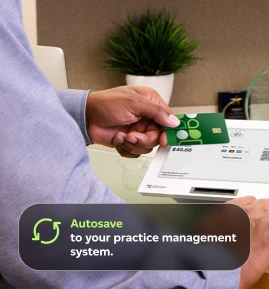
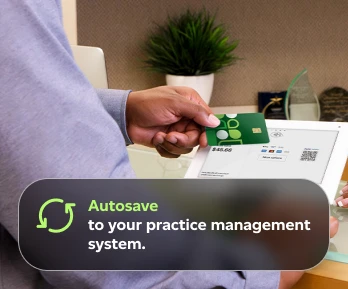
Payments sync automatically to your practice management system.

Flexible Payment Plans

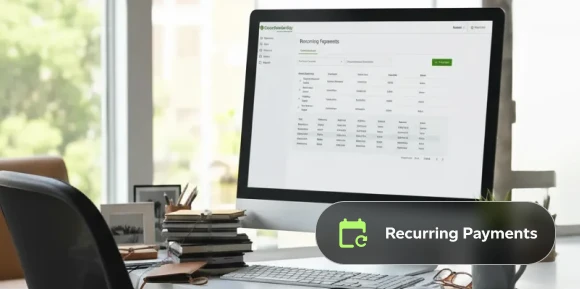
Manage recurring payments and balances over time.

Card-on-File & Secure Storage

Store and manage patient payment details securely.

Why Healthcare businesses
choose Clover

Reduce Accounts Receivable.

Collect patient payments faster with text-to-pay, payment links, and payment plans.

Save staff time.

Automate payment posting and reconciliation with your PMS.

Better patient payment
experience.

Give patients flexible ways to pay — online, via text, or in person.

Faster access to cash.

Get paid sooner with more collection touchpoints.

More features to empower your workflow

Dashboard Reporting Dashboard Reporting

Dashboard / Reporting

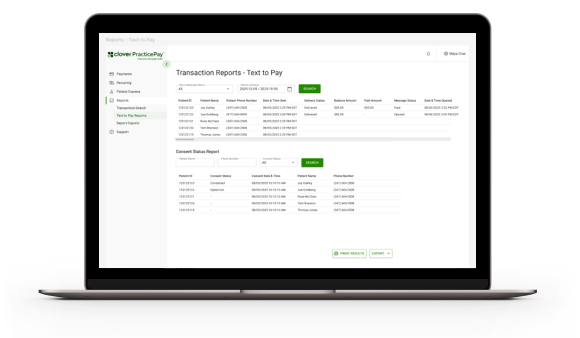
Track payments, balances, and activity from one dashboard.

Seamless EHR interface Seamless EHR interface

Seamless EHR interface

Syncs directly with most electronic health record (EHR) systems.

Patient communications Patient communications

Patient communications

Send payment reminders and updates via text.

Clover dashboard analytics view Clover dashboard analytics view

Stay in control of your work, clients, and payments — all in one place.

Track everything from one dashboard so you can focus
on billable work.

Works with almost all practice management systems

Clover PracticePay connects with the majority of Windows-based PMS systems used by healthcare practices today.

Clover integrates with practice management systems

Clover empowers professionals

Andron Fox, Fox Design and Staging Andron Fox, Fox Design and Staging Andron Fox, Fox Design and Staging
large green quotation marks

I can just email them directly and that whole portion is done," Fox says. “I love the clean, professional feel of sending a secure link for them to make payments, versus asking for Venmo or PayPal.

- Andron Fox, Fox Design and Staging