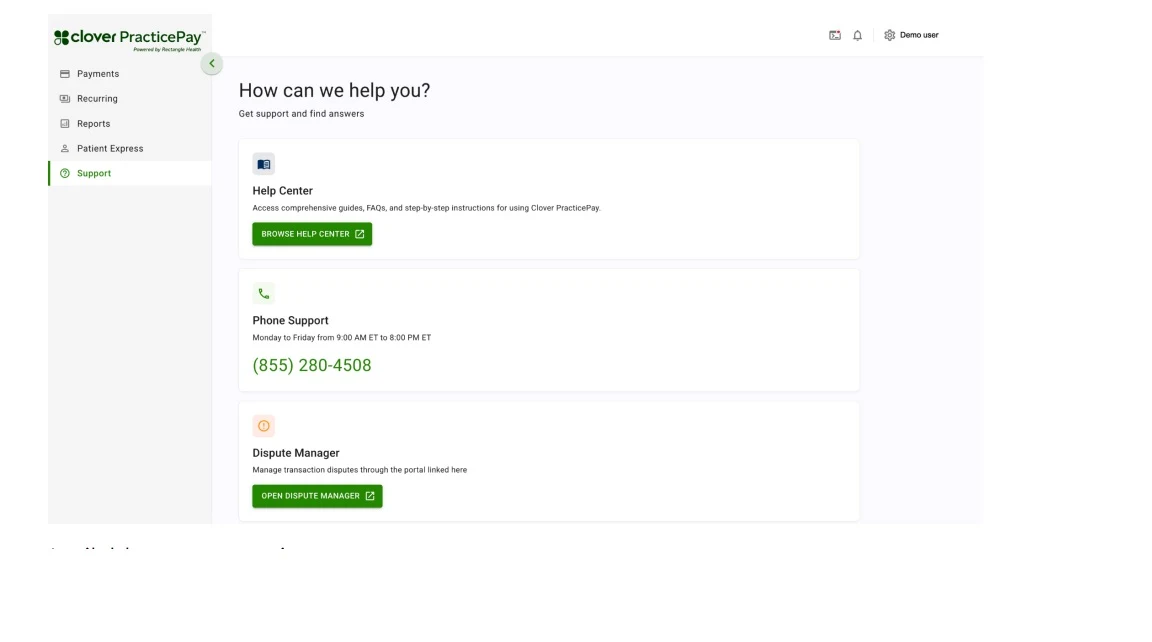
Access Support Resources
To access support resources:
1. Log in to Clover PracticePay.
2. From the left menu, select Support.
Available support options are:
Help Center: Select Browse Help Center to access the comprehensive guides, FAQs, and step-by-step instructions for using Clover PracticePay.
User guide: Access the PracticePay user guide.
Phone Support: Use the provided phone number to call and speak with our support team.
Dispute Manager: Select Open Dispute Manager to manage transaction disputes.