Online Only Offer:Get $450 statement credit when you buy Station, Mini or Flex*
Clover
Log InLog in to your dashboardHelp CenterConnect with help centerPricingLearn more about device pricingShop systemsCart
Contact sales
Connect with a sales team professional
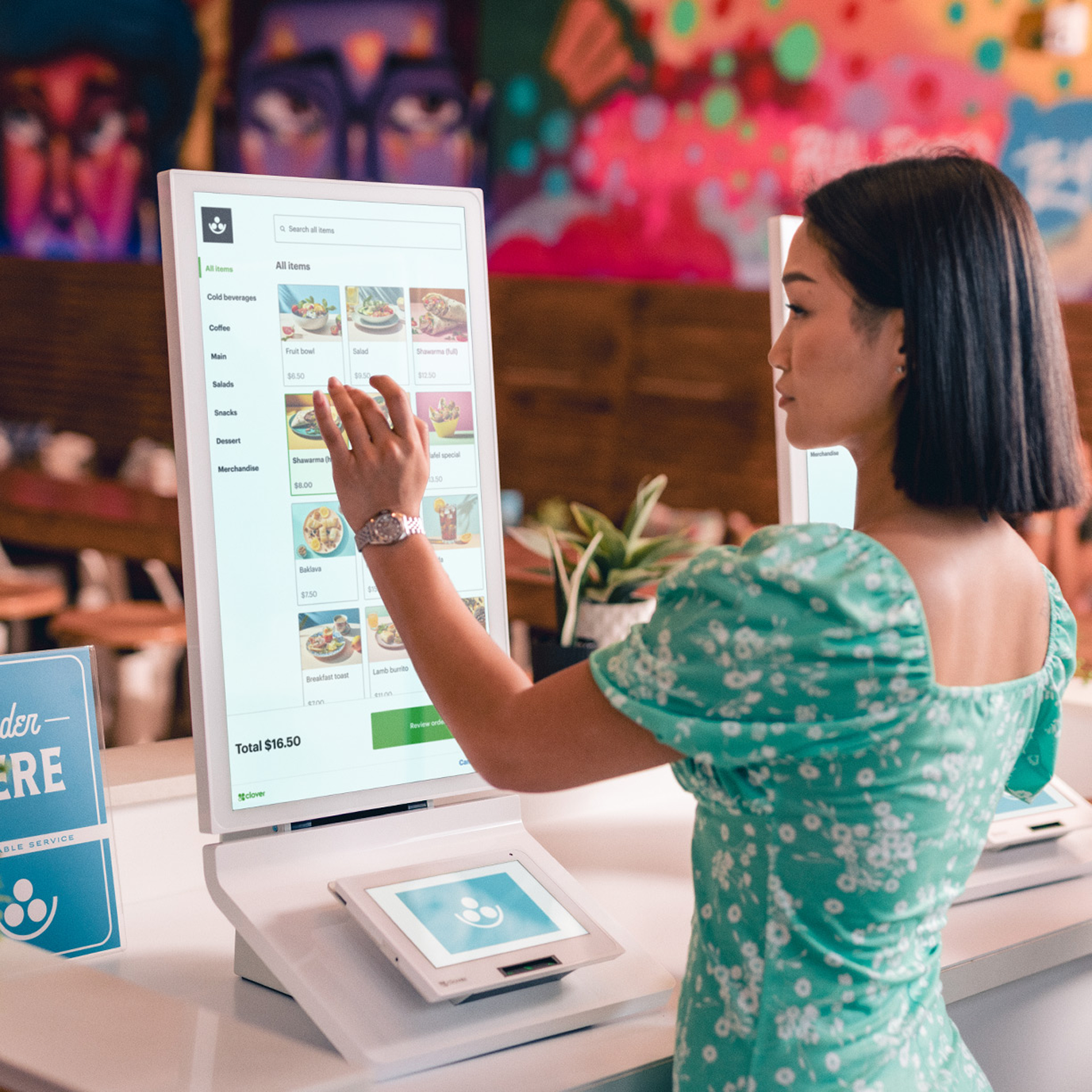
Woman in restaurant browsing menu items on a touch-screen kiosk.

You set the pace.
We keep you on track.

Unlock speed and efficiency with a POS system for quick-service restaurants.

Get Clover
Get in contact with the Clover sales team
Contact sales
Contact sales to purchase Clover.
Customize byFull serviceQuick service
Shop one-on-one with a specialist

The smartest POS system for quick‑service restaurants

For quick‑service restaurants, there’s no slowing down. Clover’s all‑in‑one POS system delivers a suite of software to keep things running smoothly while you charge ahead.

Clover QuickService CardRow1 01

Build and update menus with AI

Clover QuickService CardRow1 02

Run marketing & loyalty campaigns

Clover QuickService CardRow1 03

Track sales in real time

Clover QuickService CardRow1 04

Automate inventory management

Speed up the line with Clover Kiosk

Explore Kiosk

Drive sales

Increase your average ticket with higher value customized orders, plus easy in-software cross-selling and upselling.

Streamline operations

Save on labor costs with a front of house that helps run itself.

Integrate workflow

Automatically import and sync menus across devices and add pick-up and dine-in orders—all while staying accurate and reducing food waste.

A guest is placing an order and a waitress is holding a device to get the order. A man is sitting wearing a cap at the background.
A lady is seen placing an order from the menu displayed at the Kiosk device

Knowing how to use an easy pos system is super important for me. If I can use it, you can use it.

Jatee KearsleyJe T'aime Patisserie

Make better decisions from the back office

Optimize your team’s performance, manage finances, and improve operational efficiencies with Clover’s built-in back office tools.

Manage employees

Effectively lead your team with tools for time tracking, payroll integration, and tip management.

Run reports

Fine-tune your business strategy with robust reporting like trend analysis, COGS reports, and employee-performance data.

Access funds to drive growth

Easily keep track of your money with simple accounting tools, funding options, and speedy transfers.

Merchant reviews Clover dashboard for October: $140K gross, $800 net, $300 tips, 200 orders; bar chart shows sales breakdown.

Online ordering made even easier

Drive revenue and deliver more to customers with commission‑free online ordering, delivery management, and seamless integration with third‑party delivery apps.

Learn more
Learn more about Online Ordering
Clover QuickService CardRow2 01

Third‑party integrations

Connect to leading online ordering platforms and streamline your sales processes for maximum efficiency.

Clover QuickService CardRow2 02

Online ordering

Add online ordering to your website with zero hassle for integrated menu management, order processing, and inventory tracking.

Clover QuickService CardRow2 03

Hosted checkout

Power smooth transactions with a secure, customizable, and mobile‑friendly checkout page.

Clover QuickService CardRow2 04

Pickup and delivery

Streamline operations with a single system for online ordering, menu management, and order processing.

There's a Clover for every restaurant

Clover’s full‑service POS has you covered with hardware and software options that work for the work you do.

Clover QuickService CardDriver 01

Coffee shop

Learn more about Clover for coffee shops.
QuickService CardDriver 02 - Food truck

Food truck

Learn more about Clover for food trucks.
Clover QuickService CardDriver 03 - Bar & lounge

Bar & lounge

Learn more about Clover for a bar and lounge.
QuickService CardDriver 04 - Ghost kitchen

Ghost kitchen

Learn more about Clover for ghost kitchens.

Restaurant-grade hardware that hustles as hard as you do

Shop devices
Explore Clover devices for your business
Explore Kiosk

Kiosk

An all-in-one device with display and payment terminal for self-ordering.

Mini

Flex

Station Duo

KDS

Kiosk

Pick the perfect POS system for your quick-service restaurant

Whatever your business needs, there’s a Clover POS system with the hardware and capabilities to match.

Prices shown are only available on Clover.com.
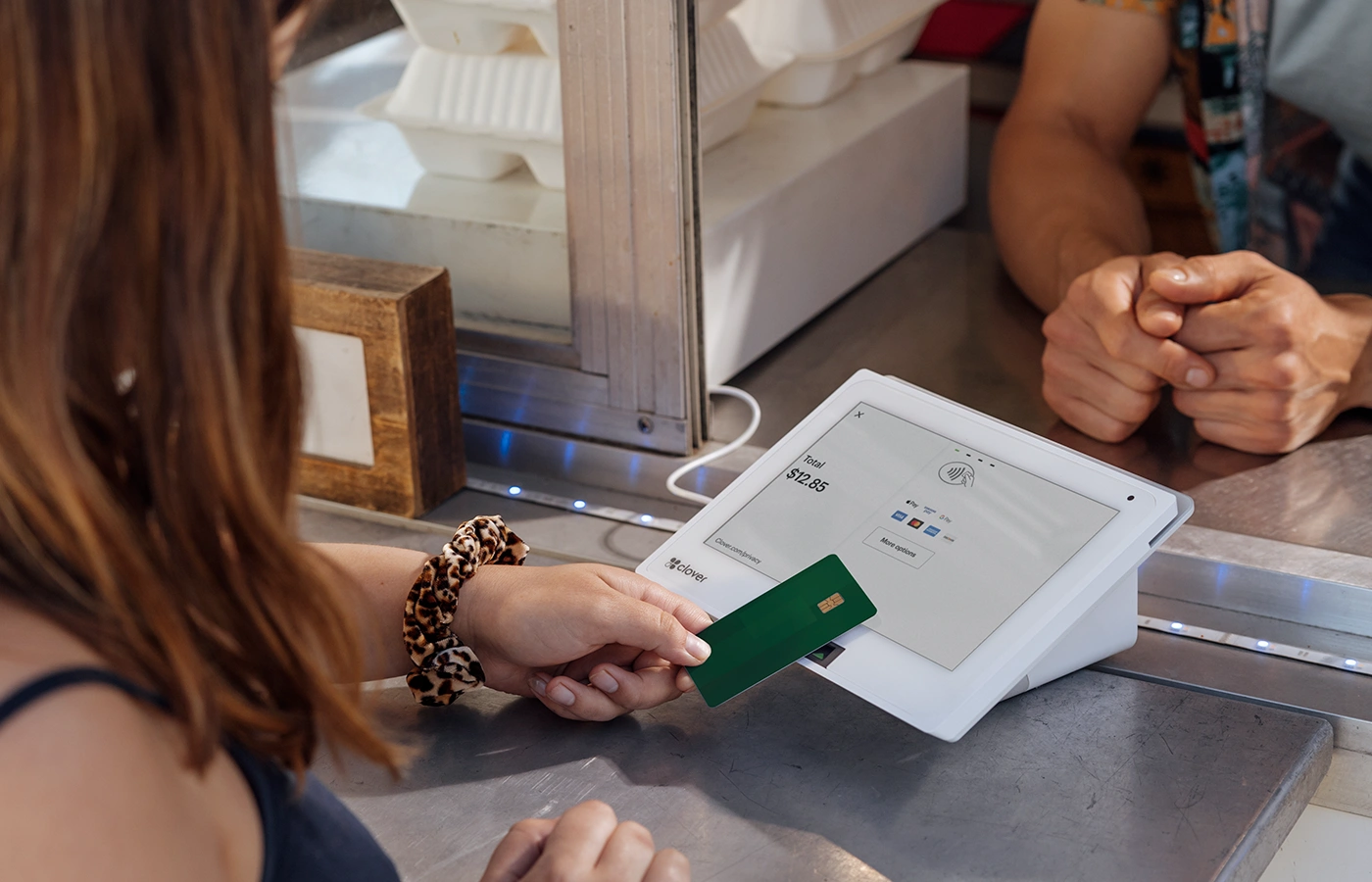
qsr-mini3-customer-credit-card-payment-evironmental-taco-truck

Starter

Take orders quickly and accept payments easily with a powerful POS + compact device and run your business efficiently with robust business management tools
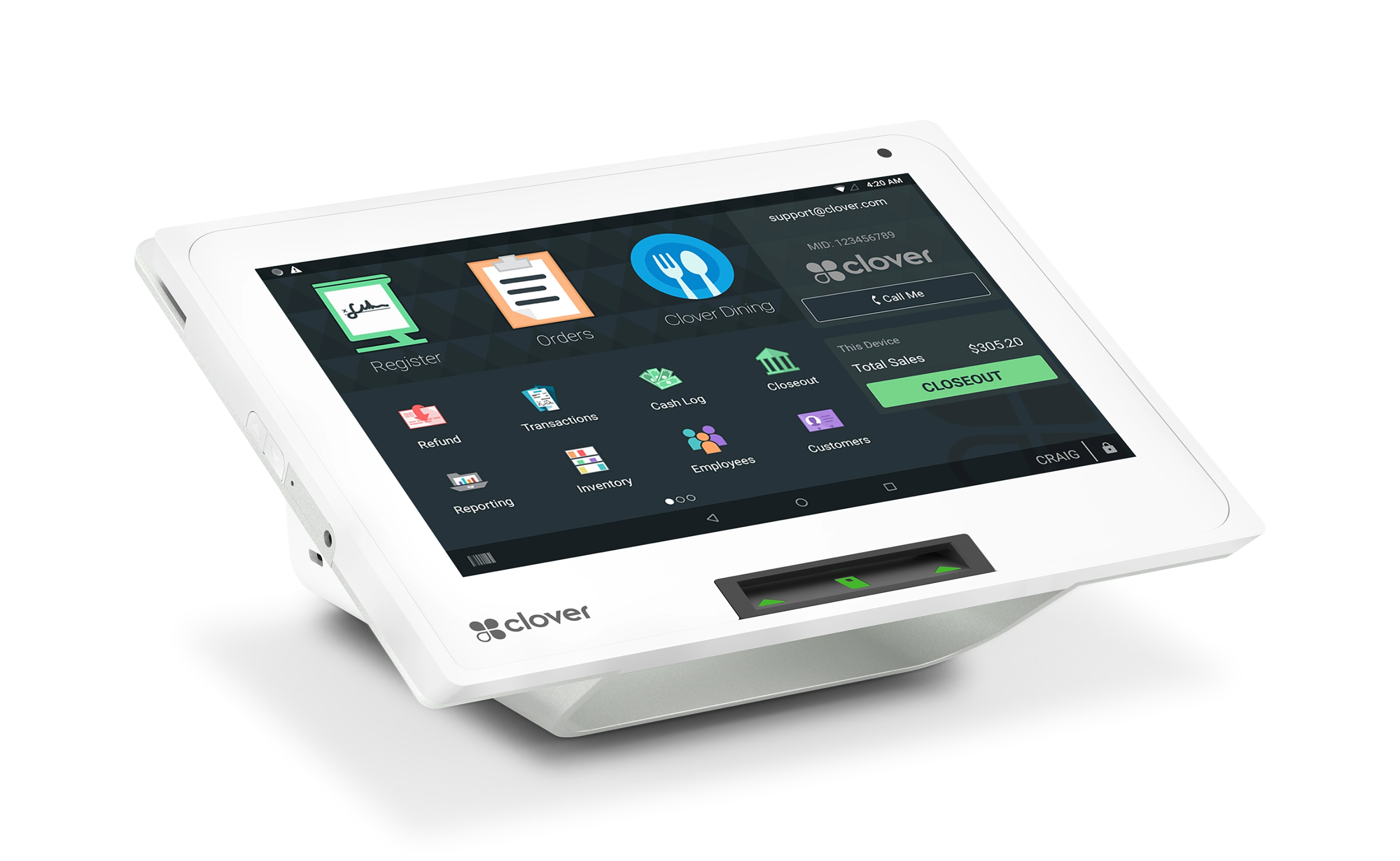
clover-mini-home-screen

Mini POS system with 8" screen

Restaurant Growth Plan with 24/7 live support

Cash drawer and receipt printer

Contact salesConnect with a sales team professional
qsr-duo-environmental-deli-005-700x450-@2x (1)

Standard

Take orders quickly, accept payments easily and run your business efficiently with a powerful POS, counter-optimized device and robust business management tools

group-shot-duo2022-printer-cashbox-mini3-tilted-left-v02-insert-shadow 600x900

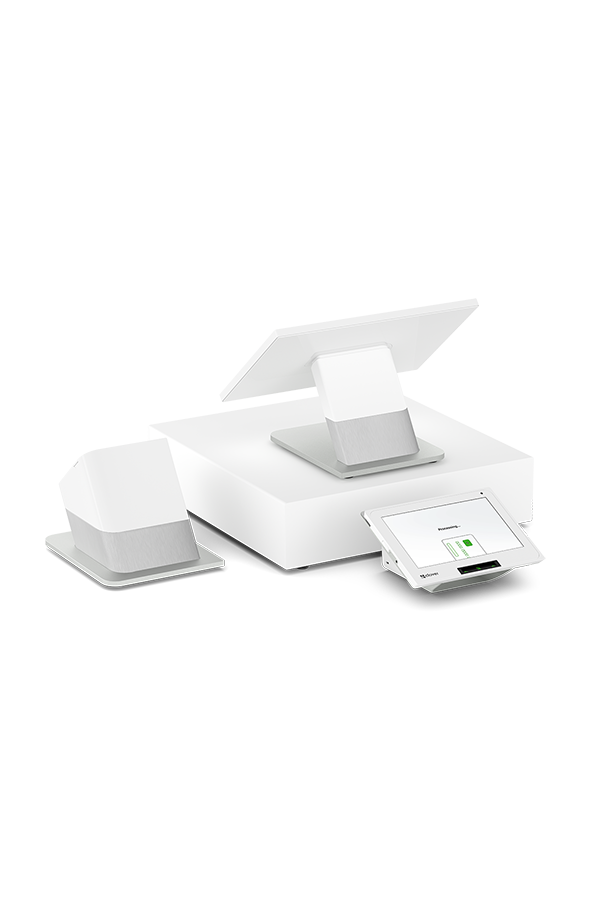
Station Duo POS system with merchant 14" and customer 8" screens

Restaurant Growth Plan with 24/7 live support

Cash drawer and receipt printer

Contact SalesConnect with a sales team professional
qsr-flex-environmental-taco-truck

Advanced

Run your business with a powerful POS, take orders and payments anywhere, and manage complex operations with robust business management tools
group-shot-duo2022-printer-cashbox-mini3-tilted-left-v02-insert-shadow 600x900

Station Duo POS system with merchant 14" and customer 8" screens

flex-3-left-up-sm

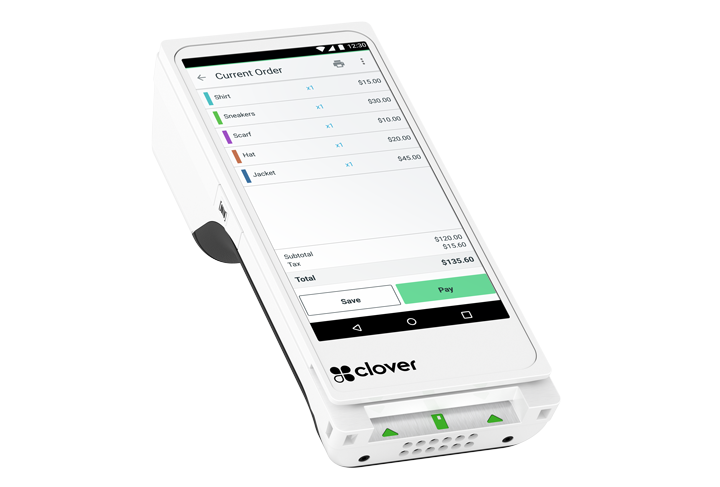
Handheld Flex for tableside orders and payments

Restaurant Growth Plan with 24/7 live support

Cash drawer and receipt printer

Take orders and payments from anywhere

Contact SalesConnect with a sales team professional
  • Mini POS system with 8" screen
  • Restaurant Growth Plan with 24/7 live support
  • Cash drawer and receipt printer
  • Station Duo POS system with merchant 14" and customer 8" screens
  • Restaurant Growth Plan with 24/7 live support
  • Cash drawer and receipt printer
  • Station Duo POS system with merchant 14" and customer 8" screens
  • Handheld Flex for tableside orders and payments
  • Restaurant Growth Plan with 24/7 live support
  • Cash drawer and receipt printer
  • Take orders and payments from anywhere
Compare all systems
Compare all quick service restaurant systems

In the field

Stories, how‑tos, and lessons for small businesses.

Woman holds a plate of french fries.

Fast casual vs. fast food: What is the difference?

Read More
Learn more about the difference between fast casual and fast food restaurants.
Man holding the door open to a restaurant.

The 15 most profitable restaurant businesses to start in 2025

Read more
Read more about the 15 most profitable restaurant businesses to start this year.
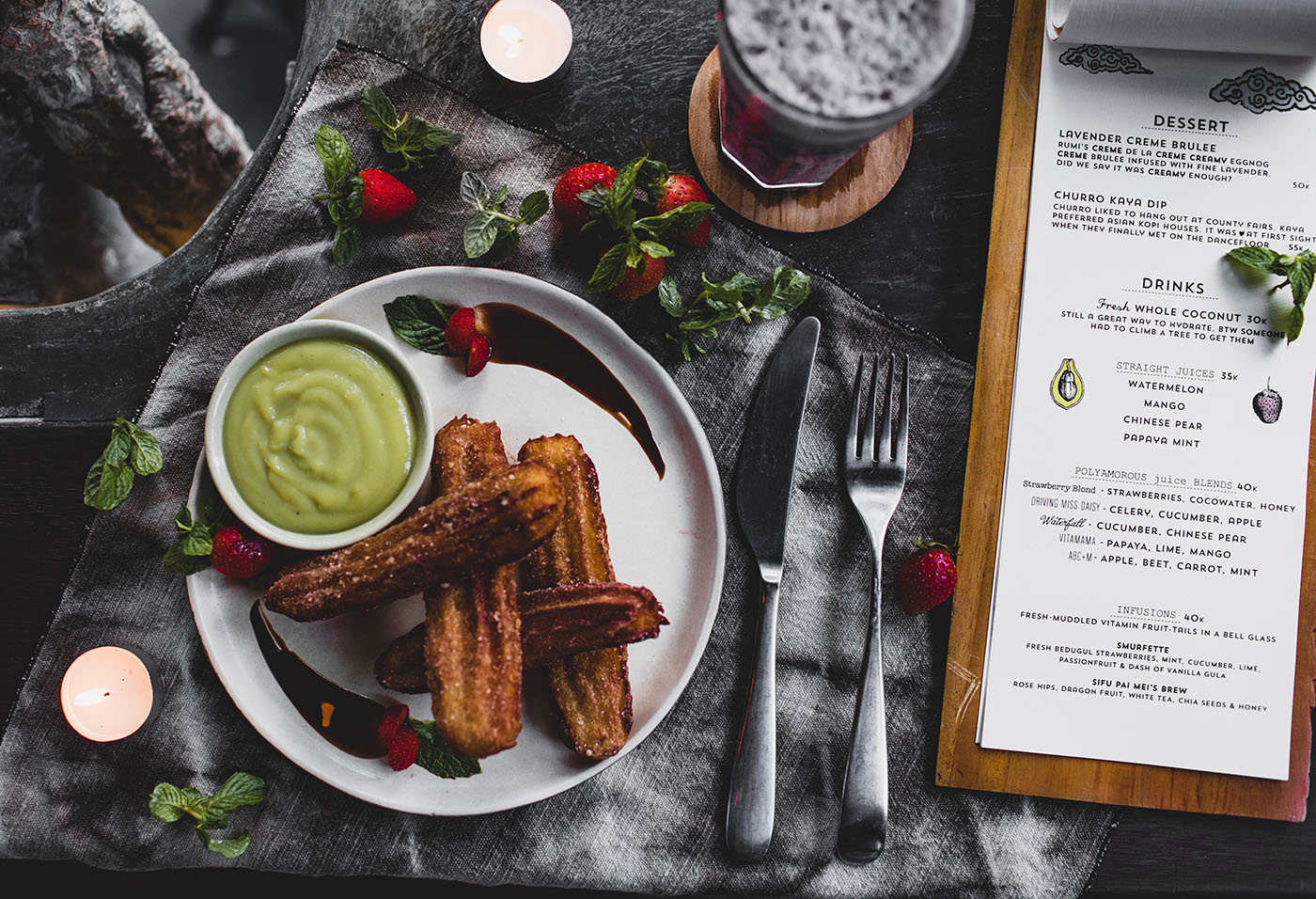
Plate of fried churros.

How to optimize your restaurant menu to maximize profits

Read more
Learn how to optimize your restaurant menu to maximize profits
Large group eating at a shared table at an open air restaurant.

How to increase ticket size at your restaurant

Read more
Learn how to increase ticket size at your restaurant.
Man enters order into Clover Kiosk.

How to improve restaurant service times at your QSR

Read more
Learn how to improve restaurant service times at your quick-service restaurant.
Show undefined

Frequently Asked Questions

Clover's quick service restaurant POS is tailored to the unique needs of fast food and quick-service establishments. It can enhance their efficiency and ensure fast, seamless service with features including:

Fast order processing: User-friendly interface for rapid order entry and processing

Customization: Customize menu items, add modifiers, and update specials

Online ordering: Integrate online ordering options for on-the-go customers

Efficient payments: Enable quick and secure payment methods, reducing transaction times while speeding up service

Kitchen display integration: Seamlessly connect with kitchen display systems for efficient order fulfillment with minimized errors

Inventory tracking: Keep a real-time inventory count to help prevent overstocking or running out of crucial items

Reporting: Access real-time sales analytics to optimize menu offerings and operations

Accounting: Manage finances easier with accounting software integrations

Customer engagement: Elevate the quality of your service with cutting-edge customer engagement and loyalty apps

Employee management: Streamline employee management with time tracking, payroll integrations, and user-friendly tip management tools

Reporting and analytics: Leverage powerful reporting features, including trend analysis, COGS reports, and detailed employee performance data

Clover Online Ordering can significantly benefit quick-service restaurants with the following features and more:

Increased sales: Attract a broader customer base beyond your regulars through the convenience of online ordering

Order efficiency: Streamline the order process for both in-store and online customers, reducing wait times

Order accuracy: Minimize errors with customer-initiated digital order submissions

Customization: Allow customers to customize their orders with ease and choose their preferred pickup time

Integration: Integrate with the Clover Kitchen Display System for centralized management and streamlined preparation

Real-time updates: Provide real-time order updates to both customers and your restaurant staff

QR code toolkit: Enabling scan to order and scan to pay options can keep your restaurant moving and customers happy

Yes. With Clover's quick-service POS, you have robust access to sales reports and analytics. The system provides real-time insights into your quick-service restaurant's performance, including sales trends, popular items, and busiest times.

The intuitive analytics dashboard empowers you to make informed decisions, optimize your menu offerings, and enhance operational efficiency. Whether you're evaluating daily sales or analyzing long-term trends, Clover's QSR POS equips you with the tools to stay ahead in the dynamic quick-service restaurant industry.

Watch our short video tutorial [60 seconds] on how to add tip suggestions.

Clover's POS system is compatible with a variety of printers, including:

  • Thermal Label Printers: Epson TM-L90

  • Thermal Receipt Printers: Star TSP143IIIU, Epson TM-20*, Epson TM-30*

  • Impact Receipt/Kitchen Printers: Star SP742ML, Epson TM-U220B*

* Not sold on Clover.com or by Clover.

Clover offers multiple pricing options for its quick-service restaurant POS, including Starter, Standard, and Advanced packages. These prices are based on the hardware devices selected and offer the option to pay a monthly subscription fee or pay in full (plus a monthly service plan fee).

As for Clover's transaction fees, these can vary depending on your specific monthly plan and the terms of your agreement. Typically, Clover charges a percentage of each transaction's total, alongside a small, fixed fee per transaction.

These rates can be influenced by factors, such as your business type, transaction volume, and the types of transactions you accept (chip card, hand-keyed, card not present (CNP)), but they can be as low as 2.3% plus 10¢ per transaction.

Watch our short video tutorial [50 seconds] on how to update your logo on receipts and devices.

Watch our video tutorial [2 minutes] on how to create your menu.

Watch our short video [70 seconds] to learn what restaurant hardware Clover offers.

Clover
Take payments
  • Card readers and POS devicesLearn more about card readers and POS devices
  • Point of sale systemLearn more about POS systems
  • Online ordering and salesLearn more about eCommerce solutions
  • Payment processingLearn more about accepting payments
  • InvoicingLearn more about invoicing
  • Virtual TerminalLearn more about Virtual Terminal
Run your business
  • Tracking and reportingExplore tracking and reporting tools
  • Inventory managementExplore inventory management tools
  • Clover CapitalLearn more about Clover Capital
  • Rapid DepositLearn more about rapid deposit
  • Employee managementLearn about employee management tools
Sell more
  • Customer engagementExplore customer engagement tools
  • Gift cardsLearn more about gift cards
  • Apps and integrationsLearn more about apps and integrations
Business types
  • Restaurants Learn more about Clover for restaurants
  • Retail storesDiscover Clover for retail stores
  • Service businessesService businesses
Hardware devices
  • GoLearn more about Go
  • CompactLearn more about the clover compact
  • Flex PocketLearn more about the Flex Pocket
  • FlexLearn more about Clover Flex
  • MiniLearn more about Mini
  • Station SoloLearn more about Station Solo
  • Station DuoLearn more about Station Duo
  • KioskLearn more about Kiosk
  • Kitchen Display SystemExplore Kitchen Display System
  • AccessoriesExplore accessories for Clover devices
  • PricingLearn more about device pricing
Help
  • Help centerExplore resources for help
  • FAQRead POS frequently asked questions
  • Contact usConnect with a sales team professional
  • Clover CareLearn more about Clover Care
  • Contact salesConnect with a sales team professional
  • Small Business Resources
About
  • BlogExplore Clover Blog
  • Case studies
  • CareersDiscover careers at Clover
  • Intellectual propertyLearn more about intellectual property and Clover patents
  • ReferralsLearn more about referral partnerships
Integrations
  • DevelopersDiscover Clover for developers
  • App marketExplore Clover app market
  • Clover ConnectLearn more about Clover Connect
  • Integration servicesExplore integration service providers
Facebook green iconFacebookX icon greenConnect to TwitterxInstagram icon greenConnect to Instagramyoutube icon greenConnect to YouTubeLinkedin icon greenConnect to LinkedInGithub icon greenConnect to Github
© 2026 Clover Network, LLC

*Clover Hardware Promotion available for new Clover Business Solutions merchants who have not previously had a Clover account or processed with First Data Merchant Solutions LLC. Clover accounts are subject to approval, including credit approval. Selecting a Clover point-of-sale credit card processing device does not convey or guarantee approval. Offer is valid only for purchases that include at least one of the following devices: Flex, Flex Pocket, Mini, Station Solo, or Station Duo. Clover devices are only shipped after the application is approved. To be eligible, merchant must: (1) apply for the account through our the online Clover website shopping experience, (2) purchase a Clover Hardware or Software Subscription, (3) be credit approved no later than 1/31/27, (4) activate account by submitting a batch of $25 or more in sales within 30 calendar days from approval date, (5) Processing $10,000 or greater in card transactions within the first four billing cycles. Additional fees may apply to certain Clover apps, services or activated accounts. Promotional offer excludes Payeezy. Eligibility is determined at our sole discretion. Limit of one reward per business relationship, regardless of the number of business locations. Offer is not valid with any other offer and is subject to change without notice. Requires a 3-year contract. All other terms and conditions apply. Offer expires December 31, 2026.

†Clover Software Promotional offer valid from 3/5/2026 through 9/5/2026 for qualified merchants of selected business types. New accounts require standard credit approval and underwriting. Eligible merchants receive no SaaS subscription fees during the 90-day trial of the Clover Essentials or Services Growth plan. The trial runs for 90 consecutive calendar days and cannot be paused or extended. After the 90-day trial, standard Essentials or Services Growth plans monthly fees apply. If the trial ends mid‑month, billing will be prorated, and any unused charges will be credited if the service is canceled before the trial ends. A merchant is eligible for only one free trial during their lifecycle. Limit one offer per business tax ID. Eligibility is determined solely by First Data Merchant Services LLC.

The Clover name and logo are registered trademarks owned by Clover Network, LLC. All trademarks, service marks, and trade names referenced in this material are the property of their respective owners.

  • TermsRead Clover terms and conditions
  • Privacy PolicyRead Clover privacy notice
  • AccessibilityRead Clover accessibility statement
  • Do Not Sell My InformationLearn more about privacy policies

Explore Kiosk

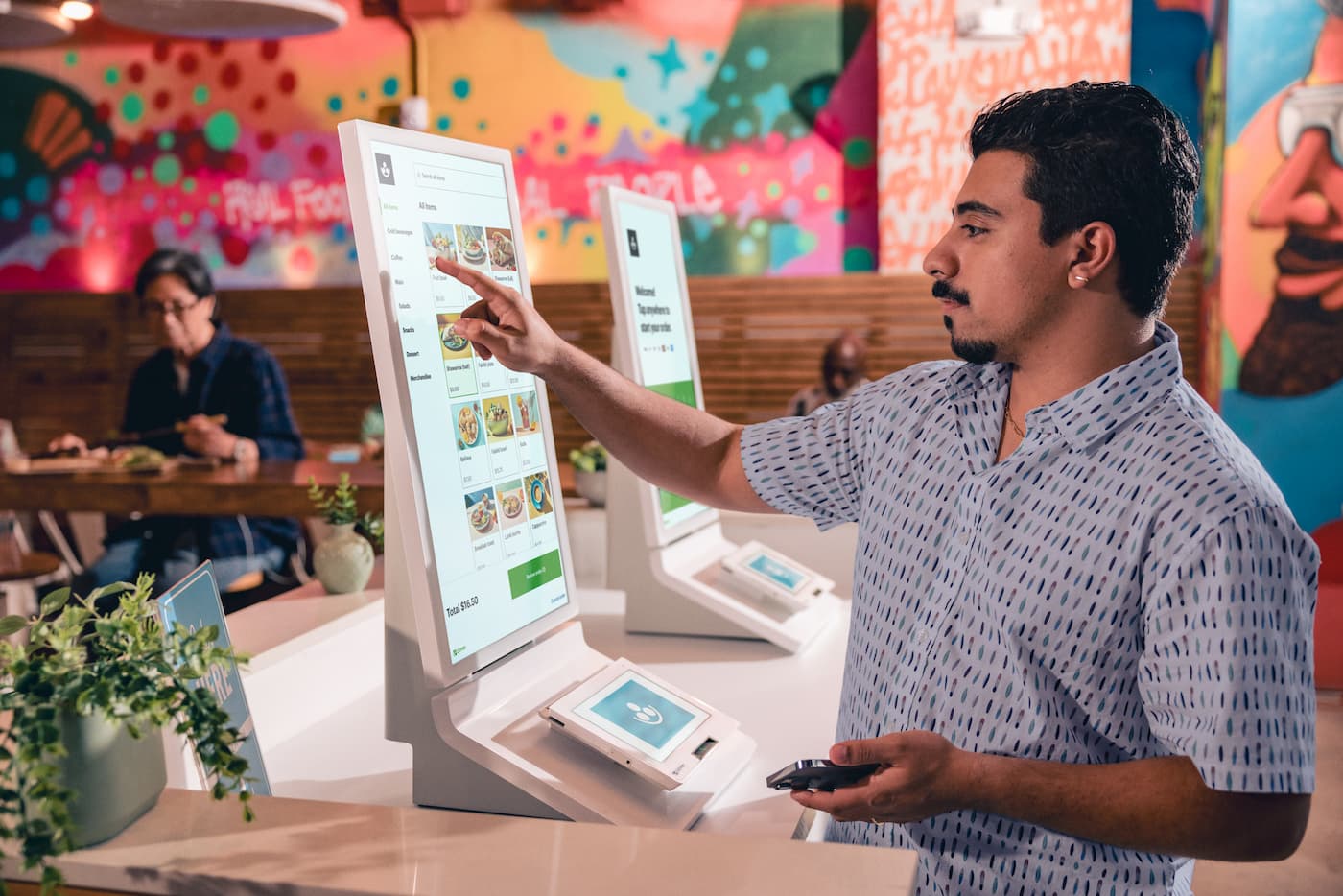
Two Clover Kiosks sit on partially blurred counter; left has welcome message, right has stacked food menu, images, prices.

Deliver speed, delight guests

  • Burger logoBest for quick-service restaurants

  • Credit Card logoLets customers explore and order with ease

Get Kiosk
Get the Clover Kisok

A self‑service kiosk for faster restaurant ordering

Clover Kiosk is an all‑in‑one POS system that puts the customer in charge. Encourage menu exploration while quickly moving lines with an enterprise‑grade 24" display and versatile payment terminal.

FB Kiosk CardRow1 01

Increase efficiency

Free your staff to focus on providing your guests with a more hospitable experience.

FB Kiosk CardRow1 02

Empower guests

Let customers browse menus at their own pace and customize their orders.

FB Kiosk CardRow1 03

Boost ticket averages

Increase restaurant revenue by promoting cross‑selling and upselling options.

FB Kiosk CardRow1 04

Build loyalty

Keep customers coming back with rewards and loyalty programs.